Ideogram AI 4.5 image generator and editor
Ideogram 4.5 changes one thing and leaves the rest alone.
Generate with sharp lettering, then paint what should change. Ideogram AI 4.5 keeps 94-99% of the other pixels identical.
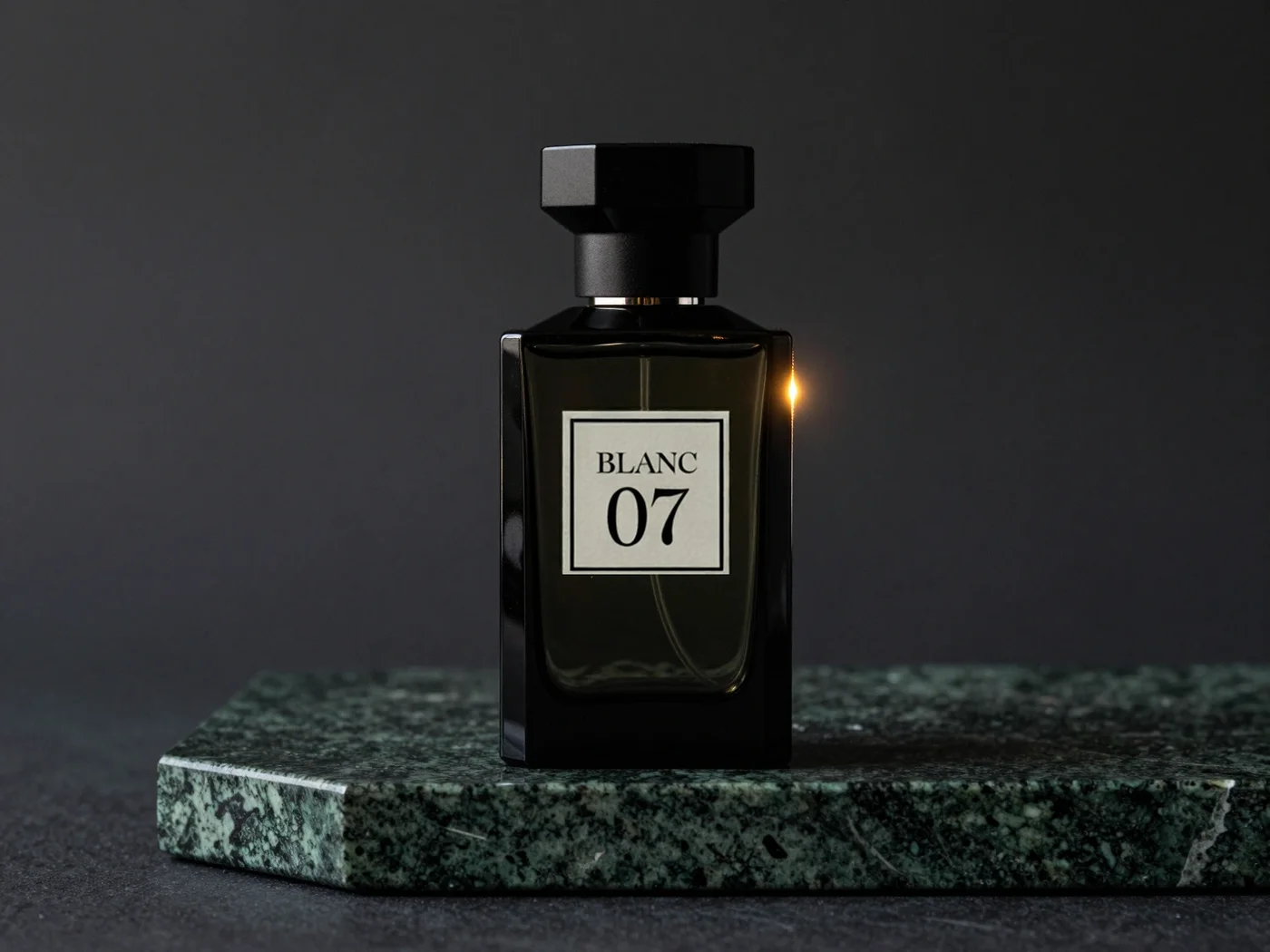
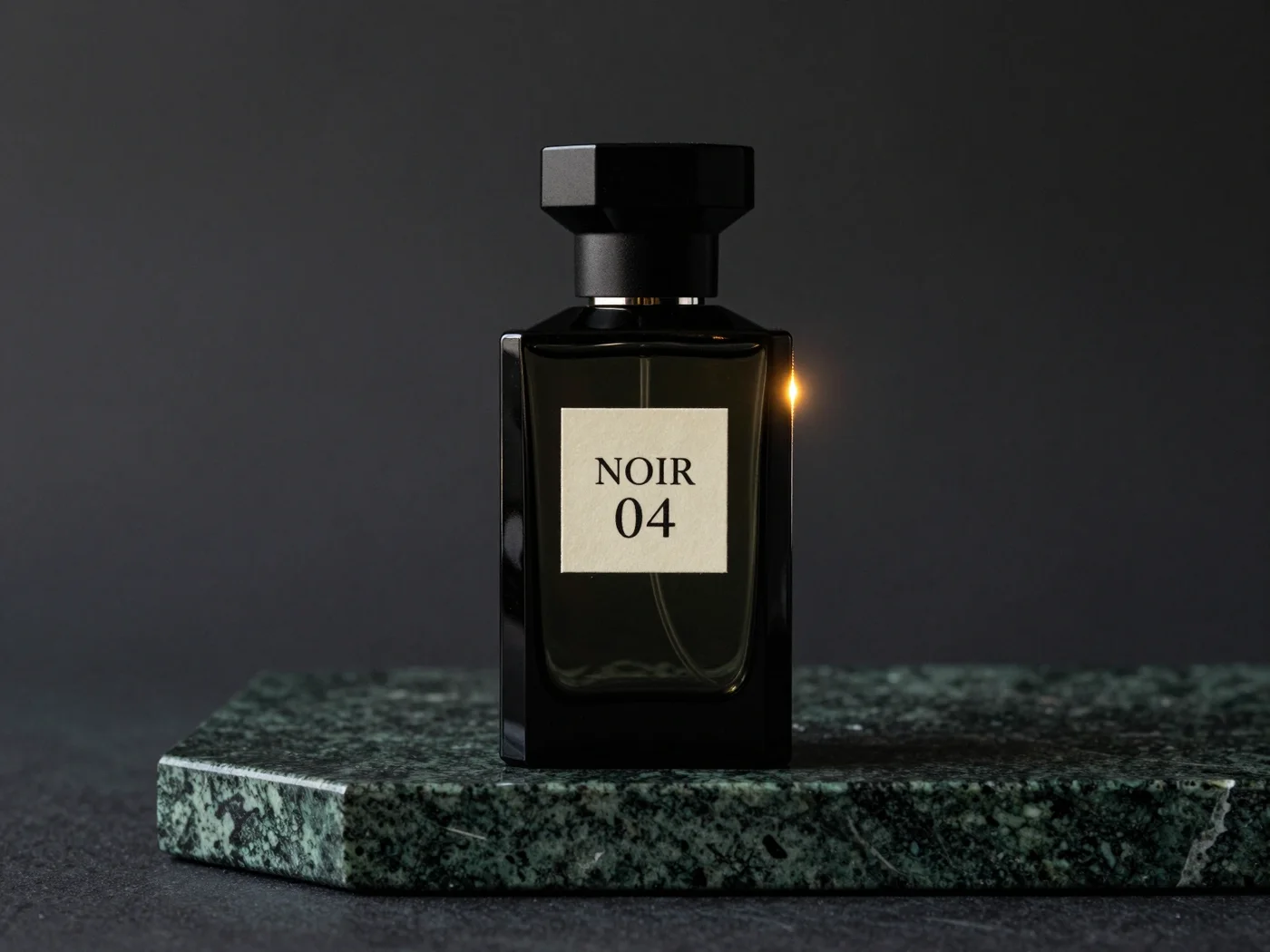 OriginalAfter one masked edit
Your Ideogram 4.5 studio
Write a prompt to generate, or upload an image and paint the part to change.
Your image will appear here.
0 / 5000
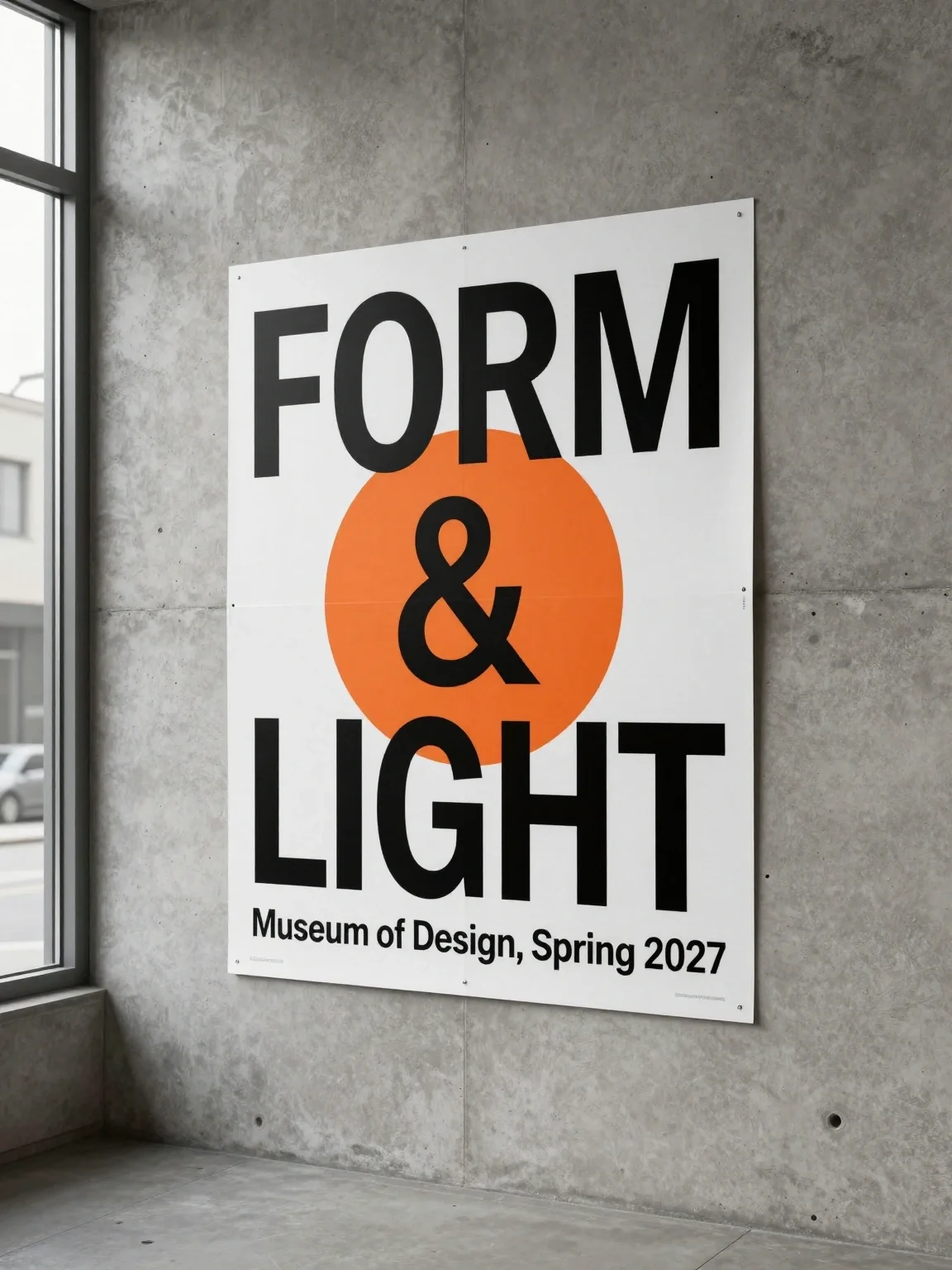
Lettering, labels and light, made with Ideogram 4.5
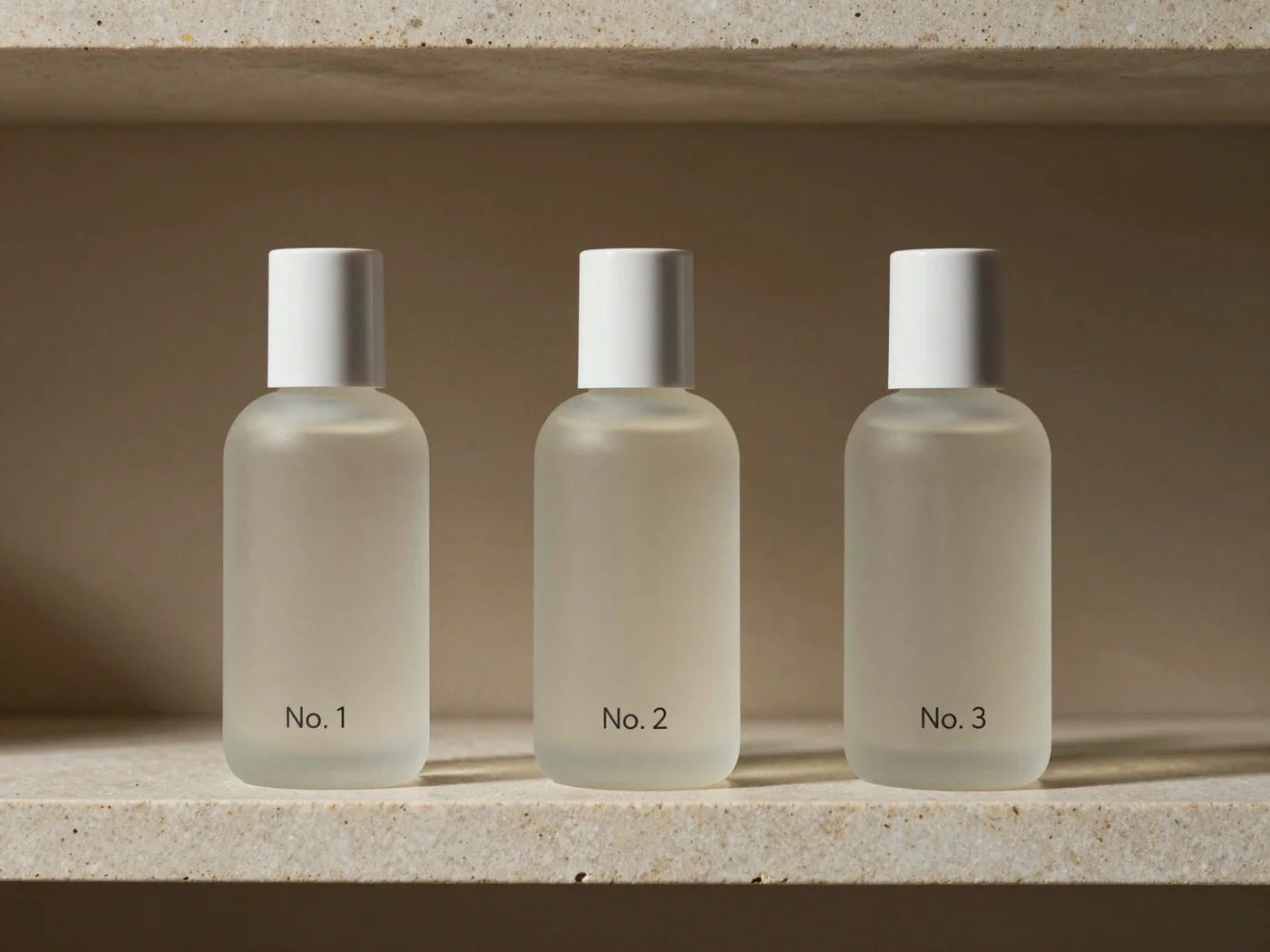
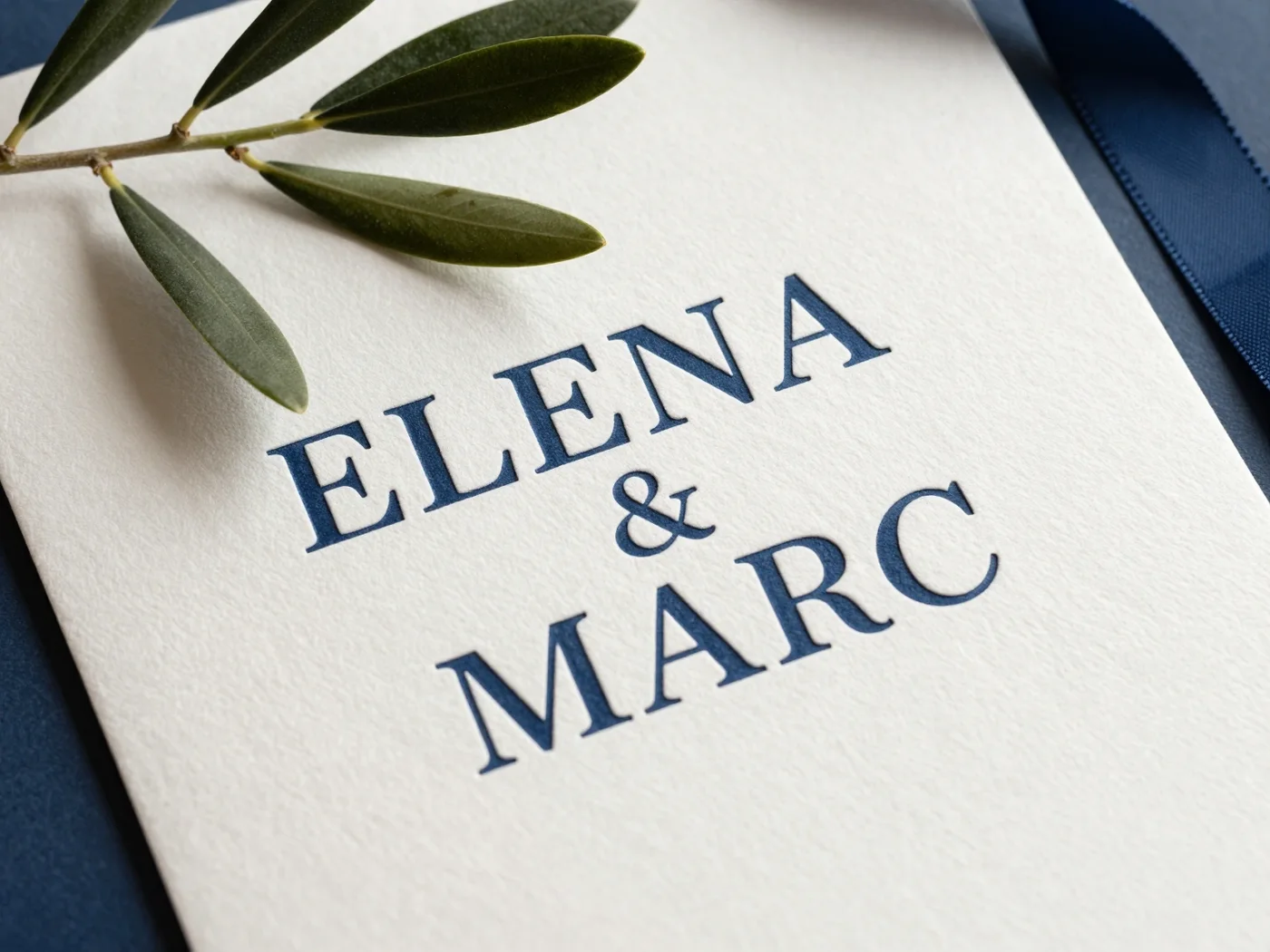
Posters, labels, signs and product shots. Lettering that holds, at native 2K.
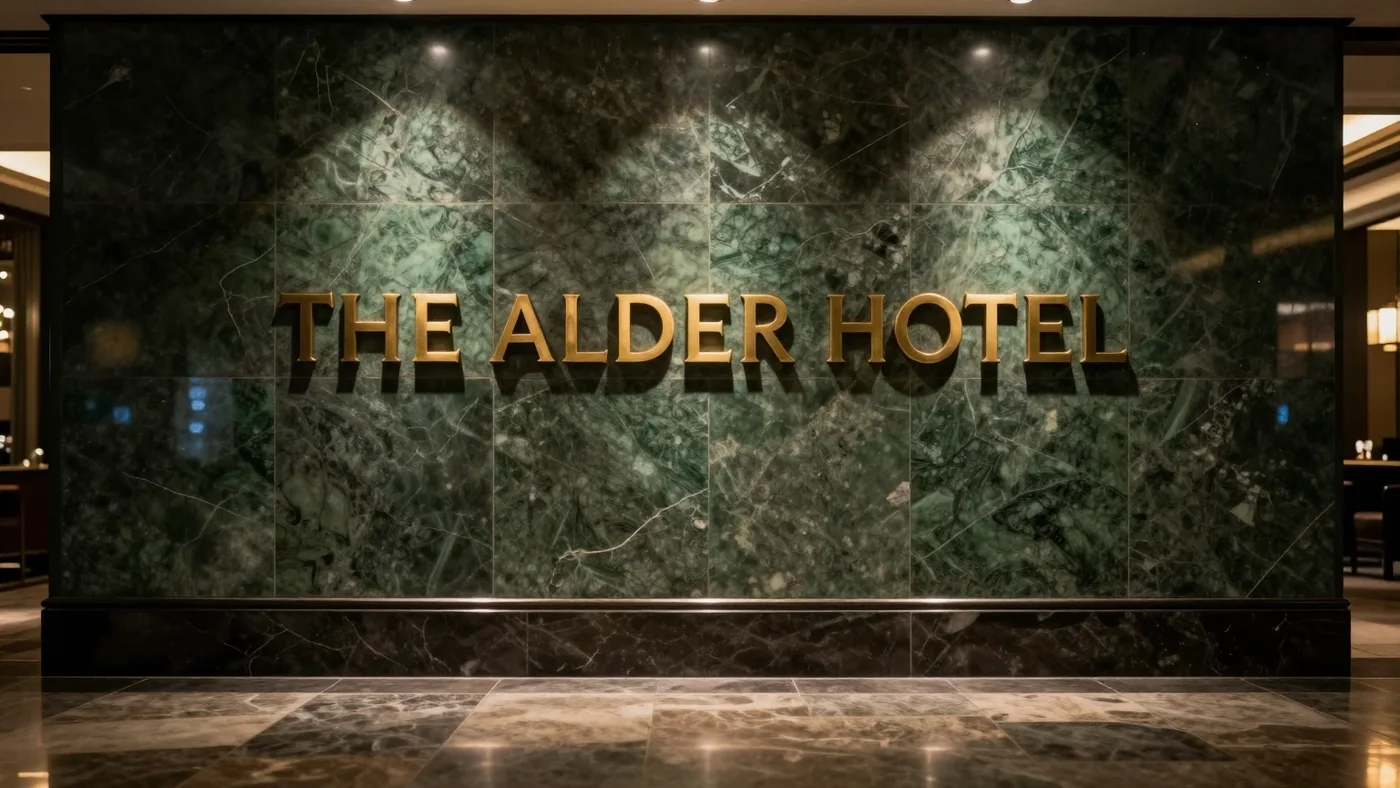
Hotel signage
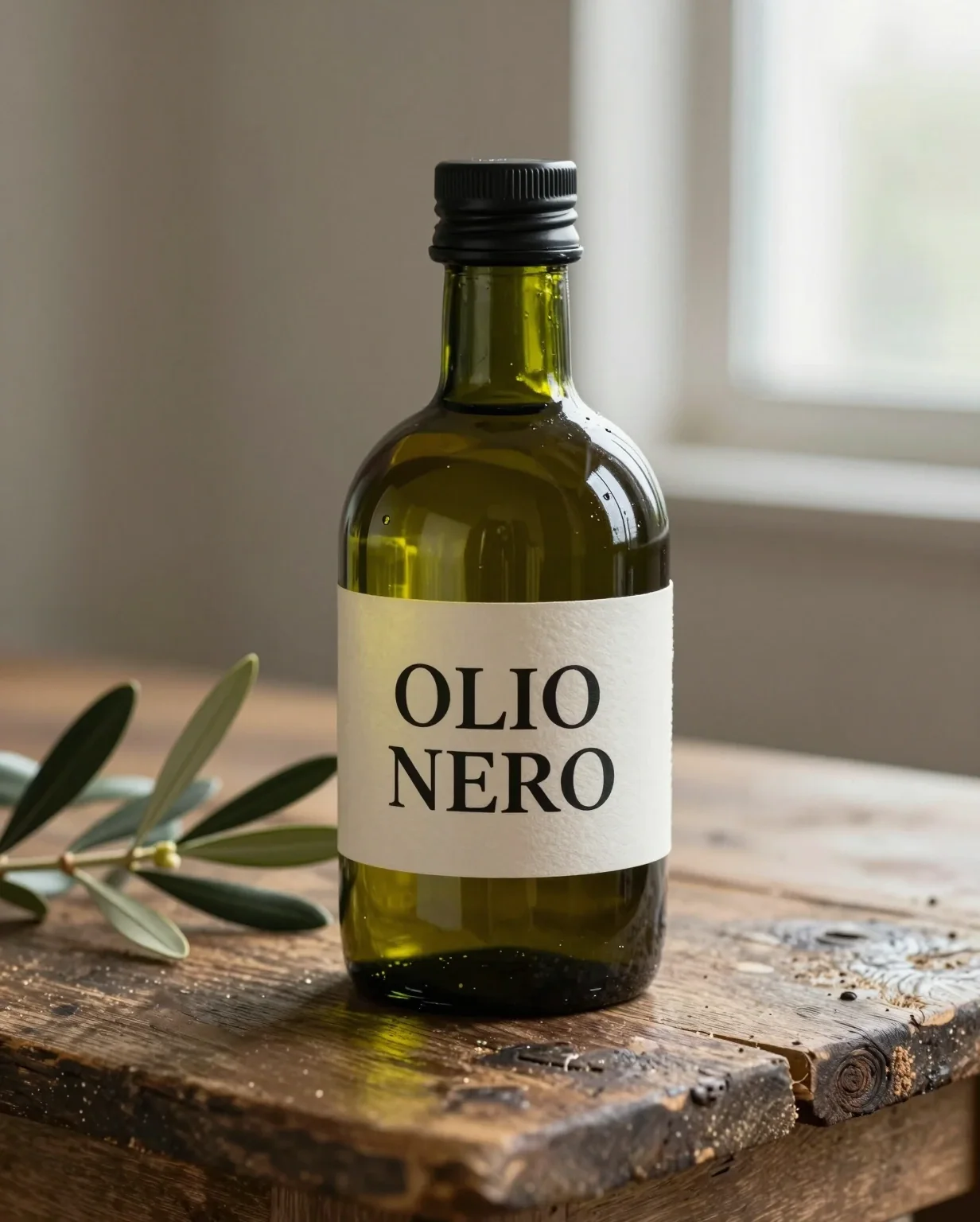
Product label
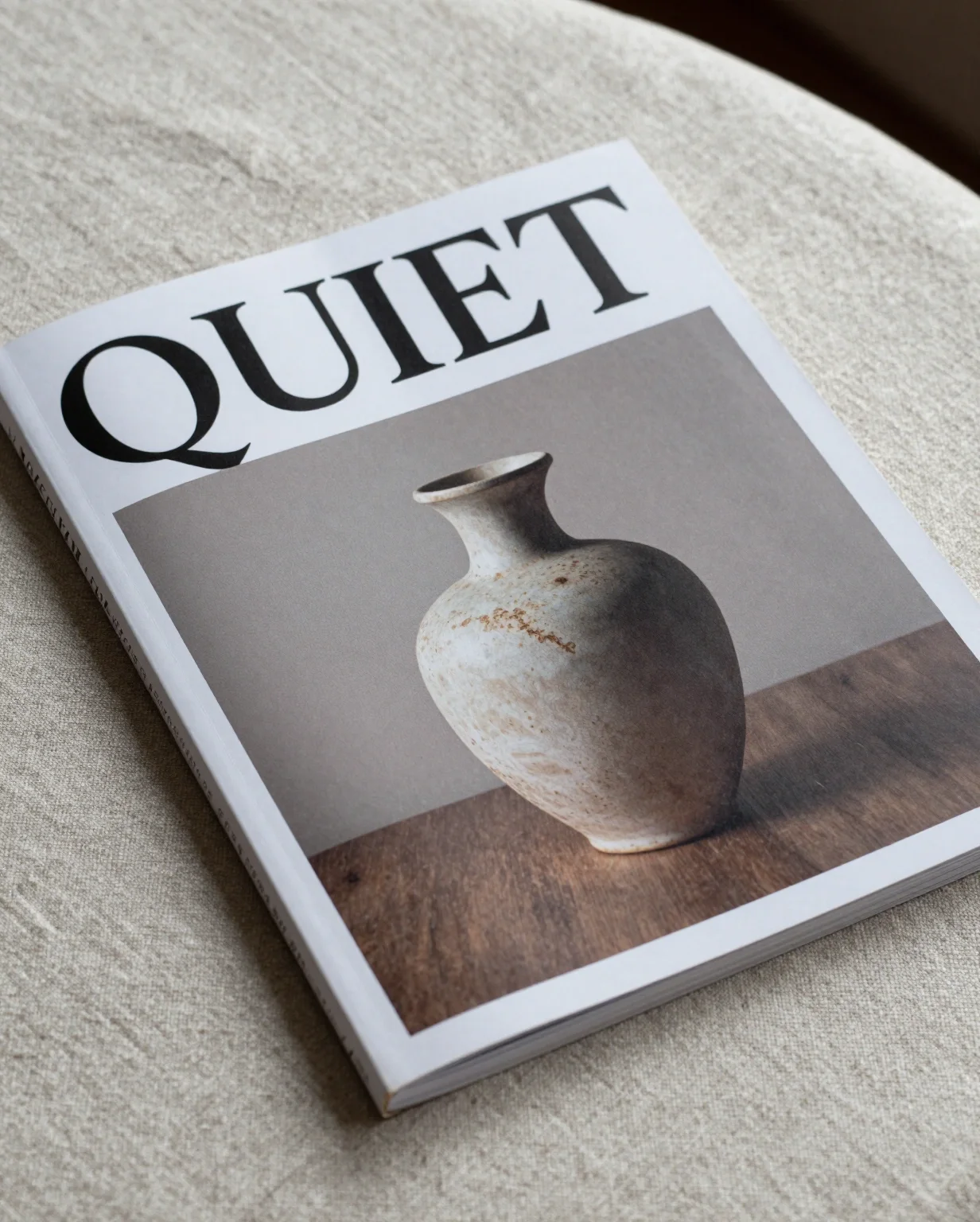
Magazine cover

Interior
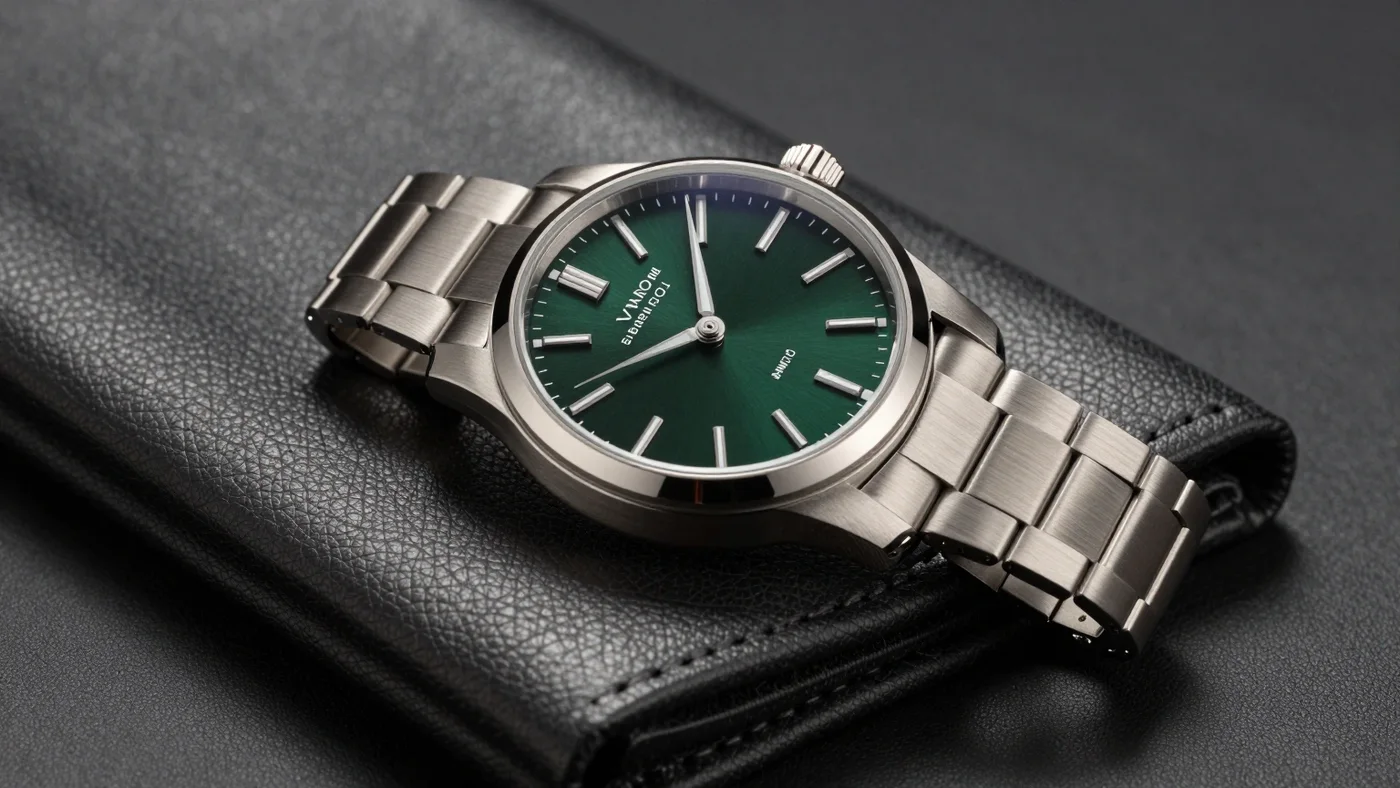
Product shot
Drift-free editing
One image, three edits. Watch what stays.
A real multi-pass sequence on one image: change the label, swap the cup, add a vase. Each pass edits only the painted area, and Pixel Lock copies every other pixel from the pass before.
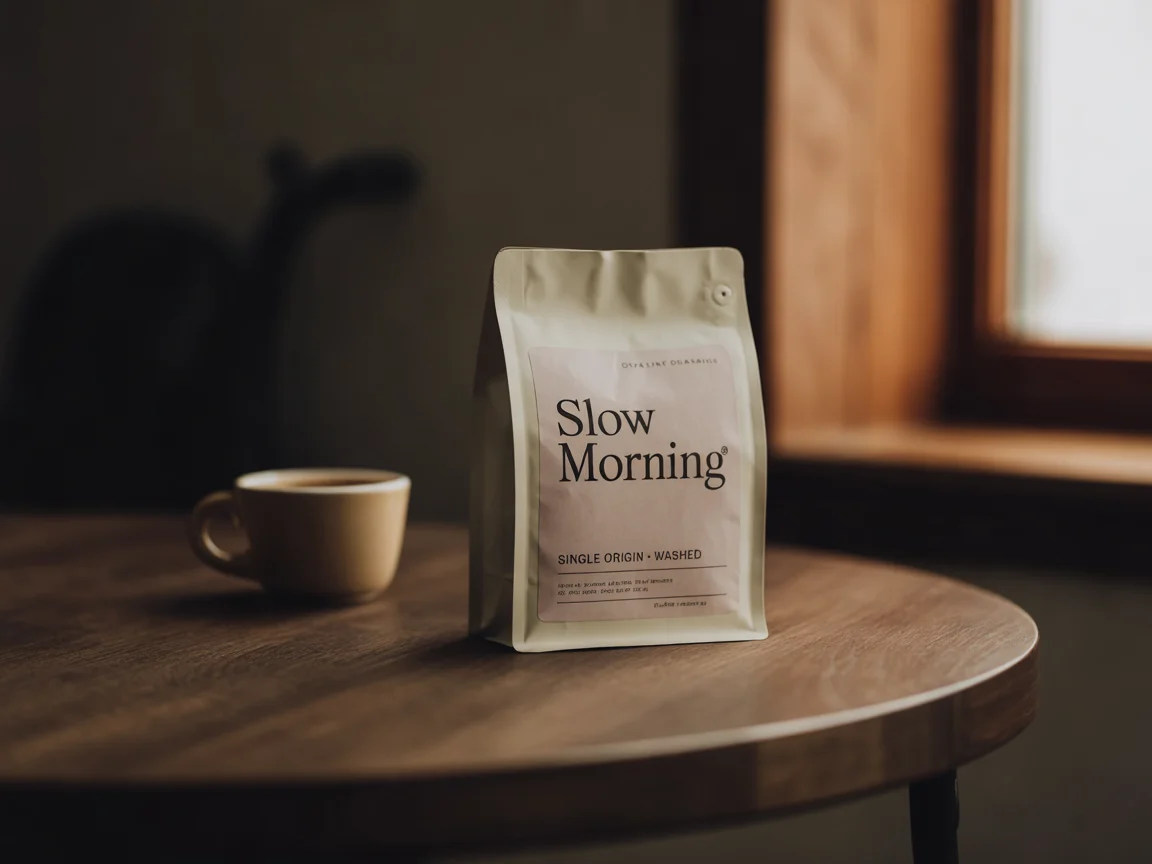
Original
100%
Starting image, before any edit
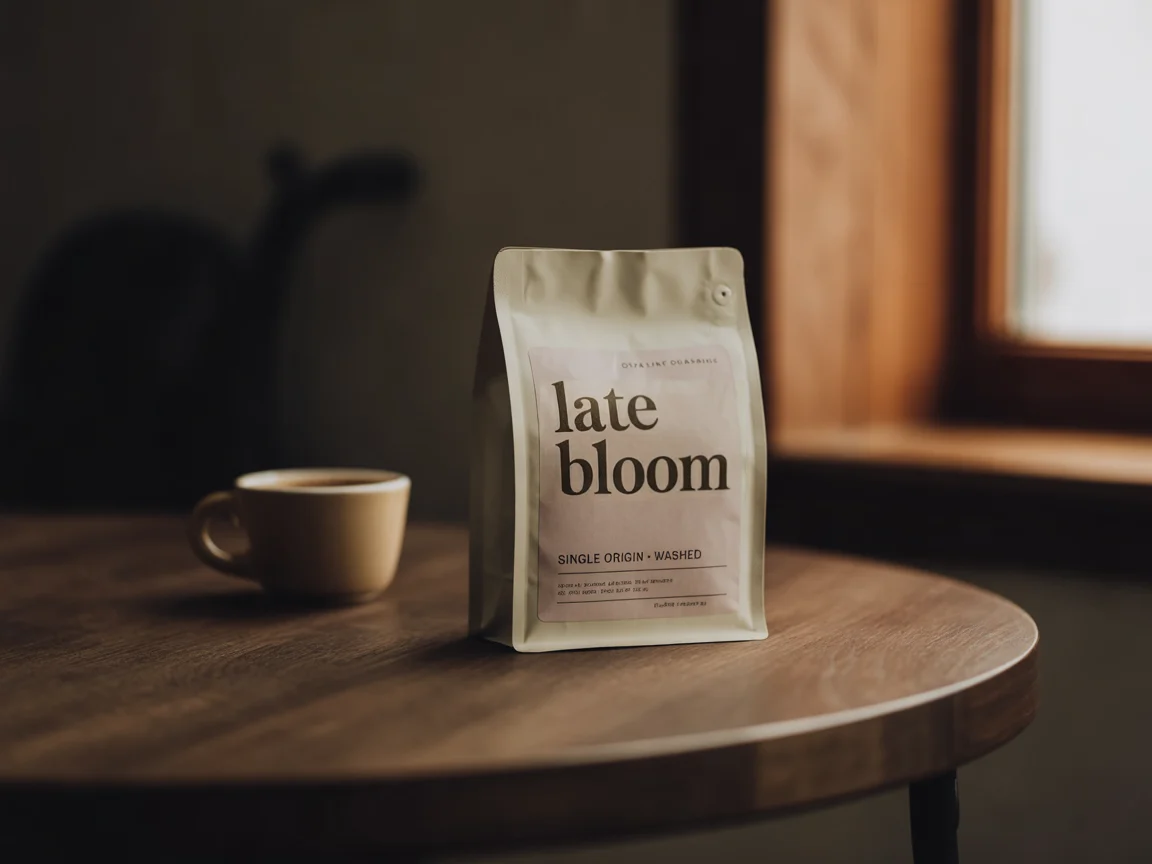
Edit 1 · label → “late bloom”
97.5%
identical to the previous pass
97.5% identical to the original
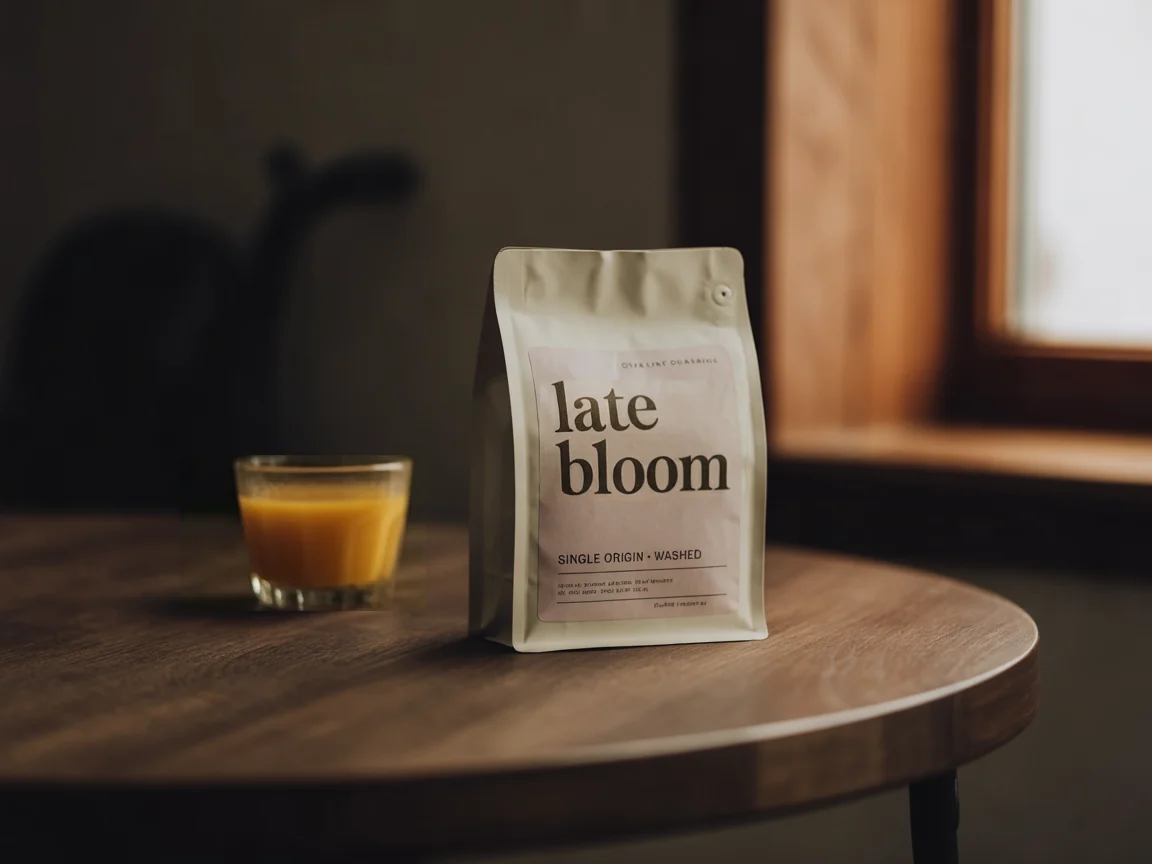
Edit 2 · cup → orange juice
96.2%
identical to the previous pass
93.7% identical to the original
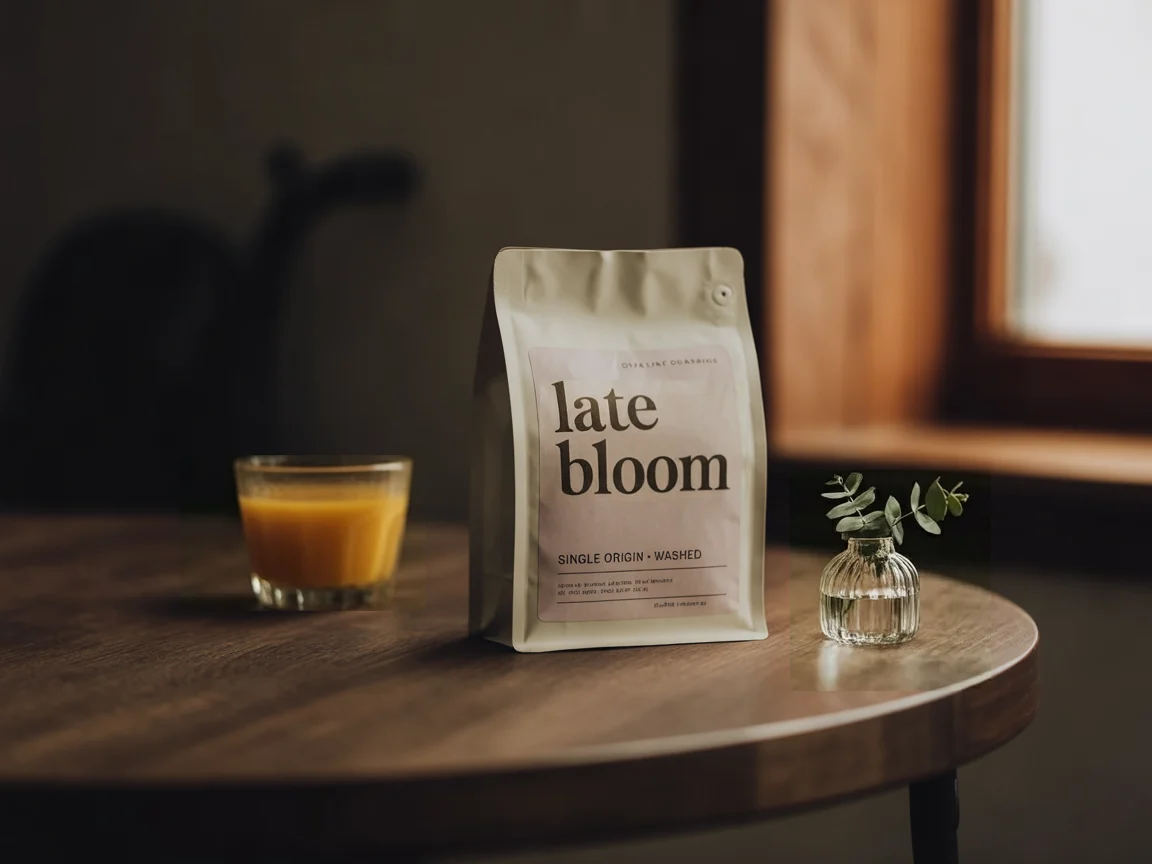
Edit 3 · add a bud vase
95.5%
identical to the previous pass
89.2% identical to the original
94-99% of untouched pixels stay identical, pass after pass.
Most image models re-render the whole frame on every edit. Small shifts in colour, texture and position pile up, and by the fifth pass the picture no longer looks like yours.
Measured pixel-by-pixel on the lossless files; images on this page are compressed for speed.
What Ideogram 4.5 does differently
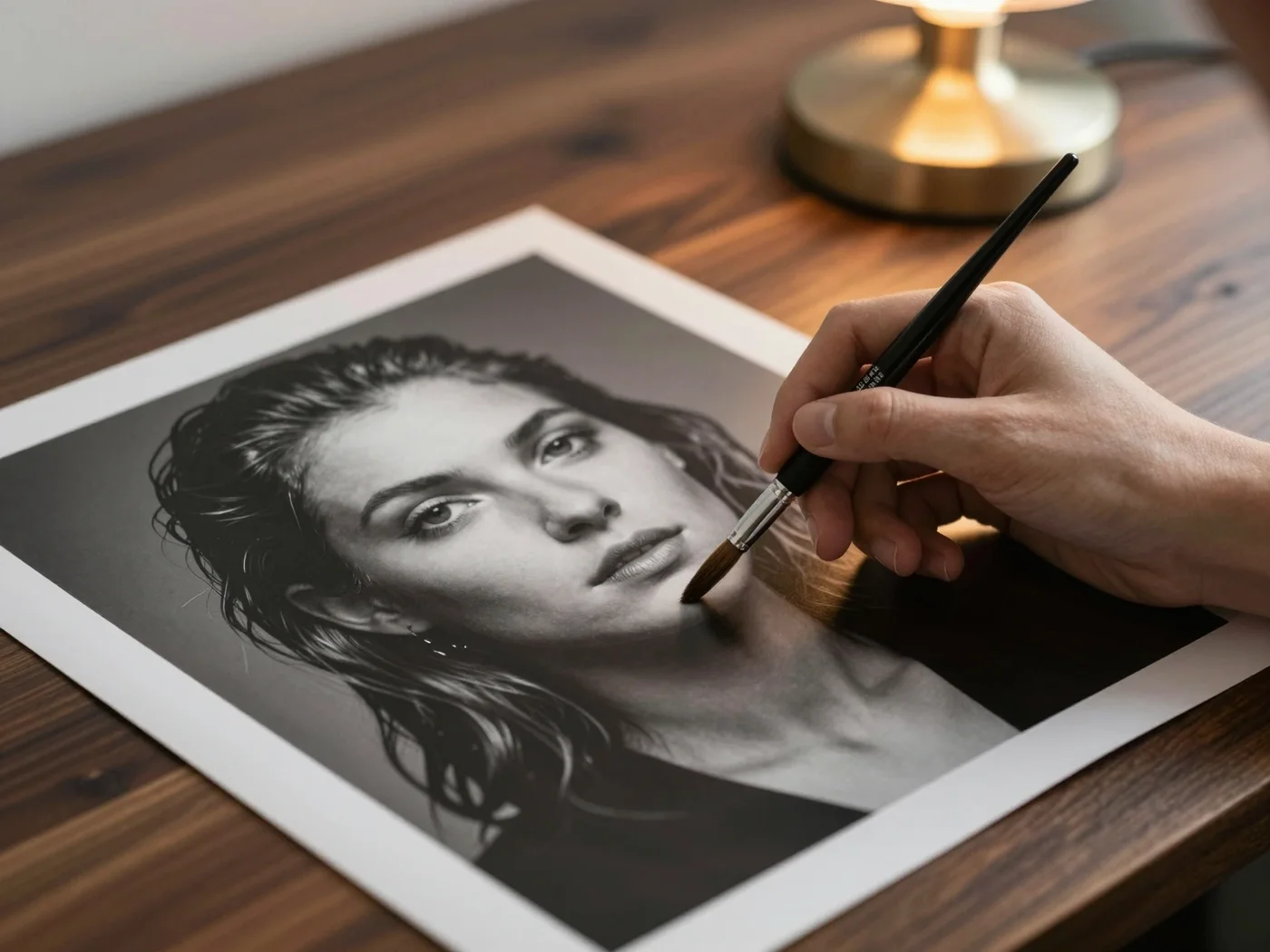
Three habits that keep your image yours, from the first pass to the last.
The facts behind Ideogram AI 4.5
What Ideogram published at release, and how this workspace runs it.

In this workspace
Pixel Lock
After a masked edit, unpainted pixels are copied back from your source. Exact, not approximate.
Released
September 30, 2026
Shipped in Ideogram's app, its API and through launch partners on the same day.
Focus
Multi-turn editing
Reduces the pixel shifts, colour changes and texture artifacts that pile up across repeated edits.
Output
Native 2K
Seven aspect ratios here, from 9:16 stories to 16:9 banners.
Largest edit shown
4016 × 6016
Ideogram demonstrated editing a 24.2-megapixel source without downsizing it.
Masks
Paint to edit
A mask marks exactly where an edit may go; everything else must stay.
Open weights
Announced, not yet released
Ideogram says open weights are coming; none were published at launch.
Three moves from prompt to final with Ideogram 4.5
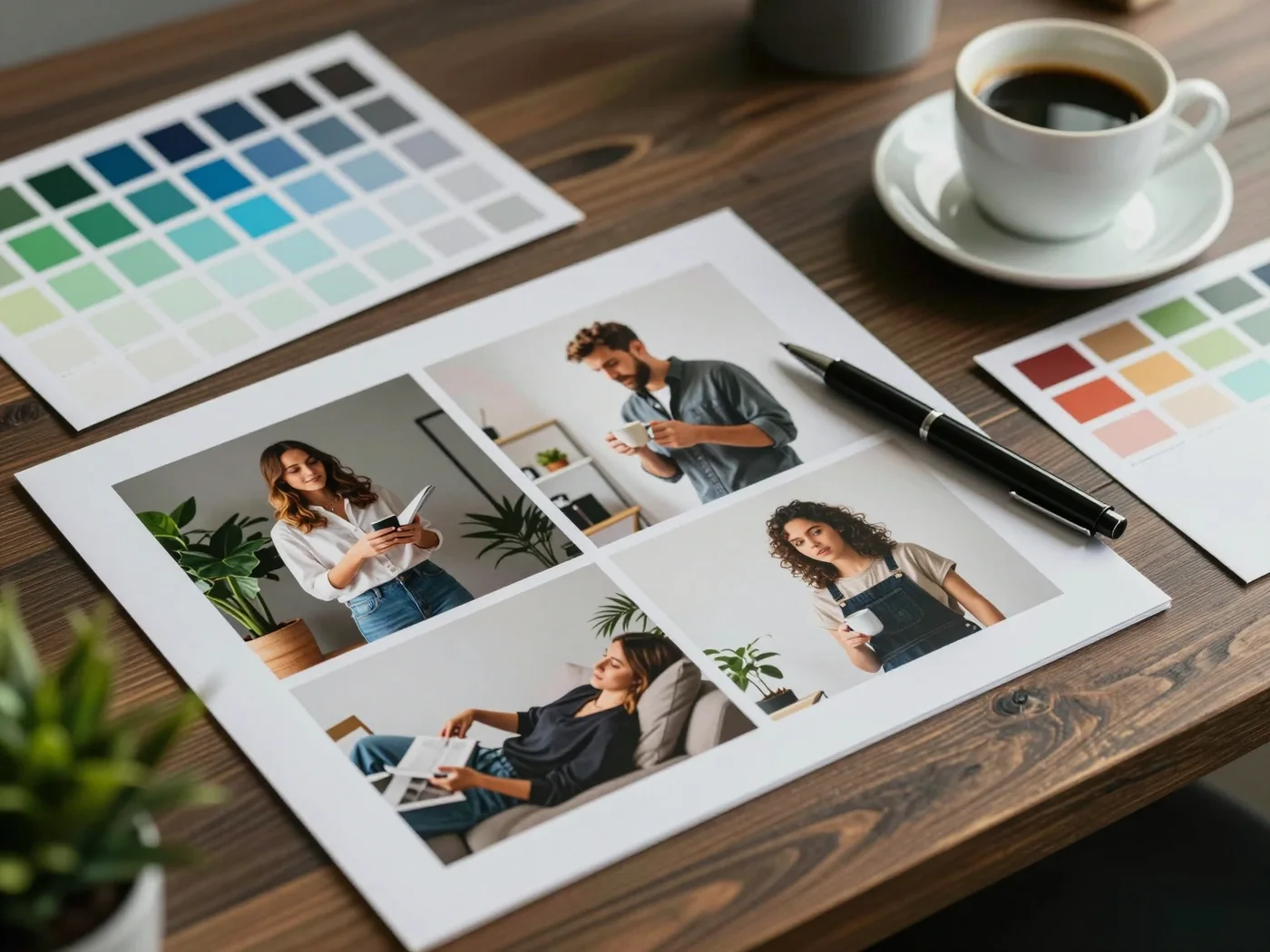
Brief it
Describe the subject, composition and light. Put any words that must appear in quotes.
Paint it
Generate a new image, or upload one, paint the area to change and describe the edit. Check the credit quote and submit once.
Keep it
Download the result, or press "Keep editing this" to make the next change on top of it.
Ideogram AI 4.5 guide
Everything you need to know about Ideogram 4.5
Ideogram 4.5 is the September 2026 release of Ideogram's image model, and it changes what matters in an image tool. Generating a first draft is easy; keeping that draft intact while you refine it is not. This release was built for the refining. This guide covers what the model does, how drift-free editing works, where it is most useful and how to get clean results in this workspace.
- 2K
- Native output
- 24.2 MP
- Largest edit source shown by Ideogram
- 94-99%
- Untouched pixels kept identical per edit
What is Ideogram 4.5?
Ideogram 4.5 is a text-to-image and image-editing model from Ideogram, released on September 30, 2026 in Ideogram's own app, its API and through launch partners. Earlier models treated every edit as a fresh render, so colours shifted, textures softened and small details moved a little on each pass. The new model focuses on multi-turn editing: you change one part of a picture, then another, and the parts you did not ask about stay where they were. It still generates from text at native 2K and keeps the lettering Ideogram is known for.
How drift-free editing works
Drift is the slow damage that piles up when a model redraws a whole image to change one detail. The model reduces it by treating the edit as a local change. In this workspace you make that explicit: paint a mask over the area to change and describe the edit. It then rewrites only the painted region, and Pixel Lock then copies every unpainted pixel straight back from your source. Depending on the size of the mask, 94-99% of the image comes back bit-for-bit identical, pass after pass, so the tenth edit looks as clean as the first.
What people make with Ideogram AI 4.5
Because text holds up and edits stay local, the model suits work that goes through many rounds of feedback.
- Posters and event graphics: set the headline in quotes, then update dates, venues or prices without regenerating the layout.
- Packaging and labels: swap a flavour name or a weight on a jar or a bag while the product shot stays untouched.
- Product photography: change a prop, a colour or the background behind a hero product in a few precise passes.
- Localisation: translate the text on a sign or a banner and keep its style, size and position.
- Social and ad variants: produce a family of versions from one approved master image.
Prompting tips for Ideogram 4.5
Write the brief like a designer would: subject first, then composition, light and mood. Put every word that must appear in the image inside quotes, and keep that text short. For edits, describe only the change ("make the cup a glass of orange juice") rather than the whole scene, and paint slightly beyond the object so the model has room to blend. Use the High mode for finals with fine type or detailed textures, and the standard mode for exploring ideas quickly.
Ideogram 4.5 compared with earlier Ideogram models
Ideogram 3.0 and Ideogram 4.0 made big steps in typography, layout and image quality. Version 4.5 keeps those strengths and targets the step after generation. In Ideogram's published comparisons it stays clean across repeated edits where other models degrade, and Ideogram demonstrated it editing a 24.2-megapixel source at 4016 × 6016 without downsizing. Open weights have been announced but were not released at launch. If your work is mostly one-shot generation, any recent model will do. If it involves revisions, this release is the one to pick.
Using Ideogram AI 4.5 on ideogram-45.com
This is an independent workspace for Ideogram 4.5, not the official Ideogram site. Sign up, write a prompt or upload an image, and check the credit cost next to the button before you submit: the standard mode uses 42 credits per image and High mode uses 154. Failed generations are refunded automatically, every result is saved to My images, and the "Keep editing this" button starts the next pass from the exact pixels you just approved.
Pay per image. Failed runs cost nothing.
See the credit cost before every generation, then choose a subscription or a one-time top-up when you need more.
1 credit = $0.01 · Standard: 42 credits per image · High: 154 credits
Most popular
Creator
$19/month
For regular individual creative work.
+5% bonus credits
- 2,000 credits
- ≈ 47 images, or 12 High images
- Masked edits with Pixel Lock
- Failed generations refunded automatically
- Fresh credits every month
- Cancel anytime
Studio
$49/month
For campaigns and higher-volume production.
+8% bonus credits
- 5,300 credits
- ≈ 126 images, or 34 High images
- Masked edits with Pixel Lock
- Failed generations refunded automatically
- Fresh credits every month
- Cancel anytime
- Priority email support
Max
$99/month
For teams and heavy editing workloads.
+11% bonus credits
- 11,000 credits
- ≈ 261 images, or 71 High images
- Masked edits with Pixel Lock
- Failed generations refunded automatically
- Fresh credits every month
- Cancel anytime
- Priority email support
Questions about Ideogram 4.5support@ideogram-45.com
Ideogram 4.5, often searched as Ideogram AI 4.5, is Ideogram's image model released on September 30, 2026. Its focus is multi-turn editing: changing one part of an image at a time without the colour, texture and position drift that builds up over repeated edits. It also generates images from text at native 2K with strong lettering.
On a precise (masked) edit, only the painted area is meant to change. Depending on how large that area is, 94-99% of the image is untouched, and those pixels come back exactly as they were. In this workspace Pixel Lock enforces it: after the edit, every unpainted pixel is copied back from your source image.
Switch the generator to “Edit an image”, upload a JPG, PNG or WebP, paint over the area you want to change and describe the change. Keep Pixel Lock on for the most faithful result. When the edit is done, press “Keep editing this” to make the next change on top of it.
Yes. Lettering is what Ideogram is known for, and this release keeps it. Put the exact words in quotes in your prompt. To change wording later, paint just the text and describe the new words; the style, size and position stay put.
The standard mode is the balanced option: fast and inexpensive, ideal for exploring. High mode spends more compute per image for the finest detail and costs more credits. The generator always shows the exact credit cost before you submit.
Credits are reserved when you submit and returned automatically if the generation fails or times out. You never pay for an image you didn't get.
Every image you make is saved to My images in your account, where you can download it again. You own the images you create, subject to our Terms of Service.
No. ideogram-45.com is an independent workspace and is not affiliated with or endorsed by Ideogram, Inc. Ideogram is a trademark of its respective owner.
Make your first drift-free edit with Ideogram 4.5
Generate a poster, a label or a product shot, then change one thing at a time. The rest of the picture stays yours.
Start creating now